Introduction
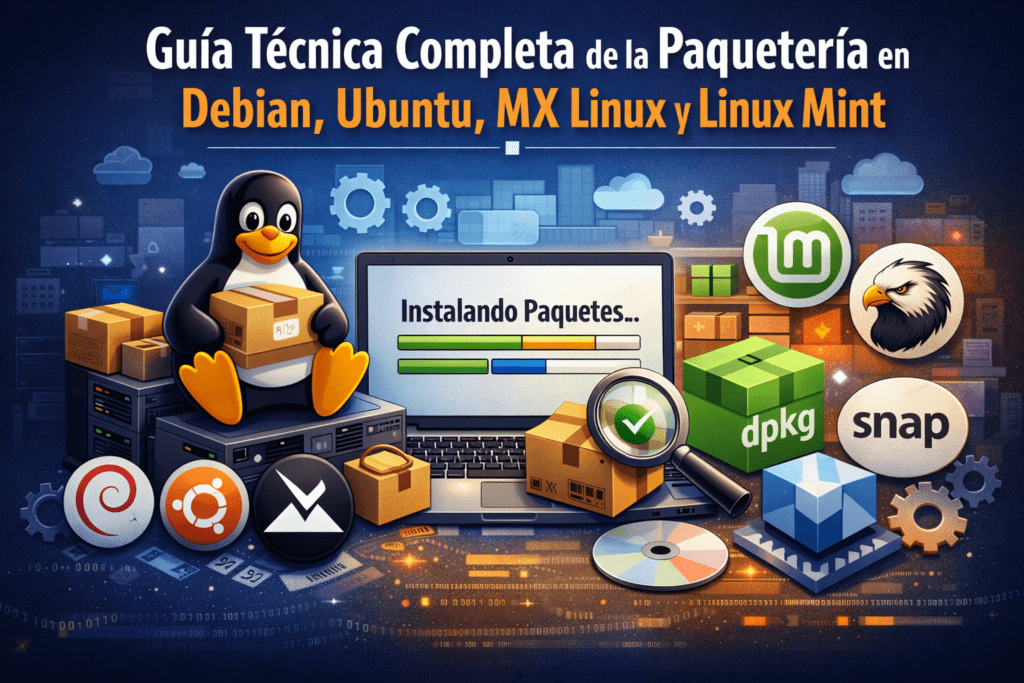
Talk about Debian, Ubuntu, MX Linux either Linux Mint It is to speak of the same technological lineage: the ecosystem based on the package system DEB and in the set of tools that orbit around APT. This software management model represents one of the historical pillars of modern free software, because it transforms operating system maintenance into a reproducible, auditable, and automatable process.
In traditional GNU/Linux systems, installing software does not mean "downloading an executable", but rather integrating a coherent set of binaries, libraries, scripts, and metadata into the system through strict dependency and version control policies.
In technical terms:
- The package
.debis the basic distribution unit. dpkgis the low-level manager.apt,apt-getandaptitudeare high-level managers.- Flatpak and Snap represent modern models of decoupled distribution.
This guide explains each component in depth, with a narrative approach and professional insight.
History of the DEB parcel system
The DEB system was born with the Debian Project in 1993, when the need arose to organize thousands of programs within a maintainable distribution.
Before modern package managers:
- Users compiled manually,
- There was no automatic dependency control,
- Updates could easily break the system.
Debian introduced several revolutionary concepts:
- Signed central repository
- Automatic dependency resolution
- Incremental updates
- Separation between package management and dependency resolution
This design would directly influence Ubuntu, Linux Mint, and MX Linux.
Key features of the Debian ecosystem
- 📦 Repository-based installation.
- 🔐 Cryptographic security through GPG signatures.
- 🔁 Transactional updates.
- 🧩 Automatic dependency management.
- 🧱 Deep integration with the base system.
- 📊 Enterprise automation capabilities.
What is APT?
APT means Advanced Package Tool.
It is a top layer designed to simplify the use of more complex tools such as apt-get and apt-cache.
APT does not install packages directly: it delegates that task to dpkg.
Their real mission is:
- resolve dependencies,
- decide versions,
- consult repositories,
- optimize transactions.
In architectural terms:
Repository → APT → dpkg → File system
APT was created to improve the interactive experience:
- clearer way out,
- progress bars,
- simplified commands.
General use
$ apt [opciones] orden
APT includes “Super Cow powers”, a historic easter egg from the project.
APT Command Table
| Command | Description |
|---|---|
apt list | Package list |
apt search | Search for packages |
apt show | Detailed information |
apt install | Install packages |
apt reinstall | Reinstall packages |
apt remove | Remove packages |
apt autoremove | Eliminates orphaned dependencies |
apt update | Update indexes |
apt upgrade | Update system without deleting |
apt full-upgrade | Full update |
apt edit-sources | Edit repositories |
apt modernize-sources | Migrate to format .sources |
apt satisfy | Resolving dependency expressions |
What is apt-get?
apt-get It is the classic and stable interface oriented towards scripts and automation.
While apt It is designed for humans, apt-get It is designed to:
- CI/CD
- installation scripts
- enterprise servers
Table of apt-get commands
| Command | Description |
|---|---|
apt-get update | Update indexes |
apt-get upgrade | Update packages |
apt-get install | Install packages |
apt-get reinstall | Reinstall |
apt-get remove | Delete |
apt-get purge | Delete settings |
apt-get autoremove | Cleans premises |
apt-get dist-upgrade | Advanced update |
apt-get build-dep | Compilation dependencies |
apt-get clean | Clear cache |
apt-get autoclean | Clean up old versions |
apt-get check | Check dependencies |
apt-get source | Download source |
apt-get download | Binary download |
apt-get changelog | Show changes |
What is Aptitude?
aptitude It is a hybrid manager:
- TUI interactive interface,
- More sophisticated dependency resolver.
Historically, it was highly valued because it proposed several solutions when conflicts arose.
Actions
- install → Install or update packages
- remove → Remove packages
- purge → Remove packages and configuration
- hold → Block packets
- unhold → Unlock packets
- markauto → Mark as automatic
- unmarkauto → Mark as manual
- forbid-version → Forbid version
- update → Update lists
- safe-upgrade → Safe upgrade
- full upgrade → Complete update
- build-dep → Build dependencies
- search → Search for packages
- show → Detailed information
- versions → Show versions
- clean → Clear cache
- why/why-not → Explain dependencies
aptitude command table
| Command | Description |
|---|---|
aptitude install | Install |
aptitude remove | Eliminate |
aptitude purge | Purga |
aptitude safe-upgrade | Upgrade seguro |
aptitude full-upgrade | Upgrade completo |
aptitude why | Explica dependencias |
aptitude search | Buscar paquetes |
What is dpkg?
dpkg es el núcleo del sistema DEB.
No resuelve dependencias.
Solo:
- instala,
- desempaqueta,
- configura paquetes.
APT usa dpkg internamente.
Basic use
$ dpkg [opciones] <comando>
Most relevant commands
--install→ Instalar paquete.deb--unpack→ Desempaquetar sin configurar--configure→ Configurar paquete--remove→ Eliminar--purge→ Purga total--status→ Estado del paquete--listfiles→ Archivos instalados--search→ Buscar propietario de archivo--audit→ Buscar paquetes rotos
dpkg table
| Command | Description |
|---|---|
dpkg -i archivo.deb | Instalar paquete |
dpkg -r paquete | Eliminate |
dpkg -P paquete | Purgar |
dpkg -l | Listar paquetes |
dpkg -L paquete | Archivos del paquete |
dpkg -S archivo | Buscar paquete propietario |
dpkg --configure -a | Reparar configuración |
What is Flatpak?
Flatpak surge como respuesta moderna a un problema clásico:
“Mi aplicación no funciona porque las librerías del sistema son distintas”.
Flatpak encapsula aplicaciones en contenedores aislados.
Características:
- sandboxing,
- runtime compartido,
- independencia de la distribución.
Flatpak command table
| Command | Description |
|---|---|
flatpak install | Instalar app |
flatpak update | Update |
flatpak uninstall | Desinstalar |
flatpak list | Listar |
flatpak run | Execute |
flatpak search | Search |
flatpak remotes | Repositorios |
flatpak override | Ajustar permisos |
What is Snap?
Snap es un sistema desarrollado por Canonical orientado a:
- distribución universal,
- actualizaciones automáticas,
- aislamiento.
Basic translation
El comando snap permite instalar, configurar, actualizar y eliminar snaps.
Son paquetes universales que funcionan en múltiples distribuciones Linux.
Snap Command Table
| Command | Description |
|---|---|
snap find | Search |
snap info | Información |
snap install | Install |
snap remove | Eliminate |
snap list | Listar |
snap refresh | Update |
snap revert | Volver atrás |
snap services | Services |
snap logs | Logs |
Advanced dependency conflict resolution
Estrategia profesional:
$ apt --fix-broken install
$ dpkg --configure -a
$ apt install -f
Analizar dependencias:
$ apt-cache depends paquete
$ aptitude why paquete
Pinning and priorities (apt_preferences)
Permite controlar versiones.
Example:
Package: *
Pin: release a=testing
Pin-Priority: 100
Valores clave:
- 1000 → fuerza downgrade
- 990 → preferido
- 500 → normal
- <100 → evita instalación
Testing and Backports
- Testing → software más nuevo, menos estable.
- Backports → software moderno recompilado para stable.
Example:
$ apt install -t forky-testing paquete
Recovery of broken systems
Secuencia clásica:
$ dpkg --configure -a
$ apt --fix-broken install
$ apt update
$ apt upgrade
Caso extremo:
$ apt reinstall dpkg apt
Enterprise strategies in Debian and MX Linux
Buenas prácticas:
- Repositorios internos (apt-mirror)
- Snapshots con apt-clone
- Pinning estricto
- Entorno staging/testing
- Automatización con Ansible
Summary
El ecosistema DEB ofrece una arquitectura por capas:
- dpkg → núcleo
- apt-get → automatización
- apt → interacción humana
- aptitude → resolución avanzada
- flatpak/snap → aplicaciones desacopladas
Conclusion
La paquetería en Debian y derivados no es solo una herramienta técnica: es un modelo de ingeniería de software a gran escala. Comprenderla permite:
- mantener sistemas estables,
- automatizar infraestructuras,
- reducir riesgos operativos.
Quien domina APT domina una parte esencial del ecosistema GNU/Linux profesional.
References
- Manual oficial
apt(8) - Manual
dpkg(1) - Documentación Debian Policy
- Debian Wiki
- Ubuntu Packaging Guide
- Flatpak Documentation
- Snapcraft Documentation

Descubre más desde javiercachon.com
Subscribe to get the latest posts sent to your email.