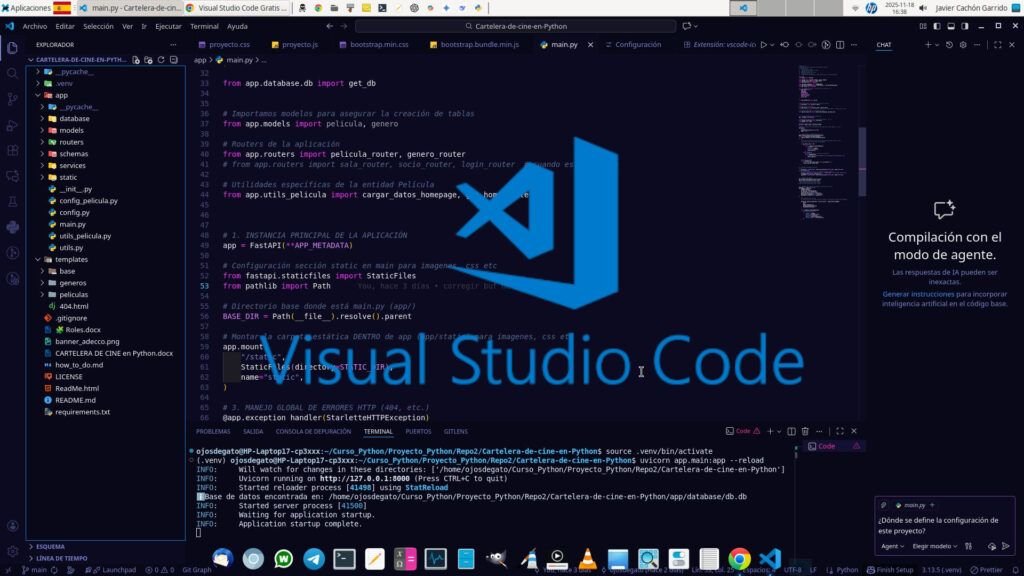
Visual Studio Code is a source code editor developed by Microsoft for Windows, Linux, macOS, and the web. It includes debugging support, integrated Git control, syntax highlighting, smart code completion, snippets, and code refactoring. It's also customizable, allowing users to change the editor theme, keyboard shortcuts, and preferences. It's free and open source, although the official download is proprietary and includes features customized by Microsoft.
Visual Studio Code is based on Electron, a framework used to deploy Chromium and Node.js desktop applications, running on the Blink design engine. Although it uses the Electron framework, the software doesn't use Atom and instead employs the same editor component (Monaco) used in Visual Studio Team Services.
Visual Studio Code is a lightweight yet powerful source code editor that runs on your desktop and is available for Windows, macOS, and Linux. It comes with built-in support for JavaScript, TypeScript, and Node.js and has a rich ecosystem of extensions for other languages and runtimes (such as C++, C#, Java, Python, PHP, Go, .NET).
April 2024 (version 1.89).
Characteristics
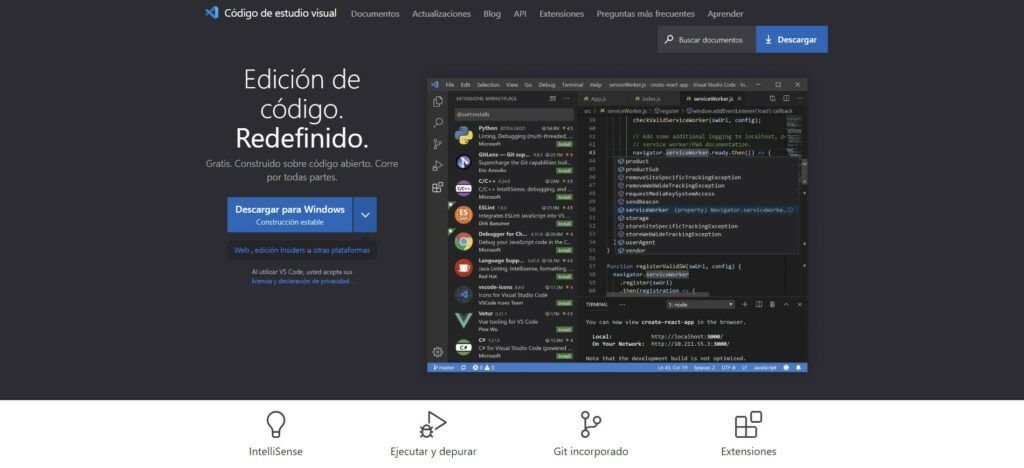
Meet IntelliSense.
Go beyond syntax highlighting and auto-completion with IntelliSense, which provides intelligent completion based on variable types, function definitions, and imported modules.
Depuration
Debugging printed statements is a thing of the past.
Debug code directly from the editor. Launch or connect to your running applications and debug with breakpoints, call stacks, and an interactive console.
Built-in Git commands.
Working with Git and other SCM providers has never been easier. Review diffs, stage files, and commit directly from the editor. Push and pull from any hosted SCM service.
Easily use extensions in VS Code
Want even more features? Install extensions to add new languages, themes, debuggers, and connect to additional services. Extensions run in separate processes, ensuring they won't slow down your editor. Learn more about extensions.
Deploy with confidence and ease
With Microsoft Azure you can deploy and host your React, Angular, Vue, Node, Python (and more!) sites, store and query relational and document-based data, and scale with serverless computing—all with ease, all from within VS Code.
VS Code for
JavaScript, Python, Java, Markdown, TypeScript, C/C++, JSON, Powershell, HTML/CSS, C#, PHP, YAML.
Download Visual Studio Code at https://code.visualstudio.com/#alt-downloads
Distributions based on Debian and Ubuntu
Installing the package .deb will automatically install the Apt repository and signing key to enable automatic upgrades using the system's package manager. Alternatively, the repository and key can also be installed manually using the following script:
$ sudo apt-get install wget gpg
$ wget -qO- https://packages.microsoft.com/keys/microsoft.asc | gpg --dearmor > packages.microsoft.gpg
$ sudo install -D -o root -g root -m 644 packages.microsoft.gpg /etc/apt/keyrings/packages.microsoft.gpg
$ echo "deb [arch=amd64,arm64,armhf signed-by=/etc/apt/keyrings/packages.microsoft.gpg] https://packages.microsoft.com/repos/code stable main" |sudo tee /etc/apt/sources.list.d/vscode.list > /dev/null
$ rm -f packages.microsoft.gpg
Then update the package cache and install the package using:
$ sudo apt install apt-transport-https
$ sudo apt update
$ sudo apt install code
The easiest way to install Visual Studio Code for Debian/Ubuntu based distributions is to download and install the .deb (64-bit) package, either through the graphical software center, if available, or via the command line with:
$ sudo apt install ./code_*_amd64.deb
$ sudo apt-get install -f
Install on Fedora 40 | Red-Hat Linux
Currently, we ship the 64-bit stable VS Code in a dnf repository, the following script will install the key and repository:
$ sudo rpm --import https://packages.microsoft.com/keys/microsoft.asc
$ echo -e "[code]\nname=Visual Studio Code\nbaseurl=https://packages.microsoft.com/yumrepos/vscode\nenabled=1\ngpgcheck=1\ngpgkey=https://packages.microsoft.com/keys/microsoft.asc" | sudo tee /etc/yum.repos.d/vscode.repo > /dev/null
Then update the package cache and install the package using dnf (Fedora 39 and above):
$ dnf check-update
$ sudo dnf install code
The easiest way to install Visual Studio Code for Red-Hat/Fedora based distributions is to download and install the .rpm (64-bit) package, either through the graphical Software Center, if available, or via the command line with:
$ sudo dnf install code-*.x86_64.rpm
Distributions based on openSUSE and SLE
The above dnf repository also works for openSUSE and SLE-based systems; the following script will install the key and repository:
$ sudo rpm --import https://packages.microsoft.com/keys/microsoft.asc
$ echo -e "[code]\nname=Visual Studio Code\nbaseurl=https://packages.microsoft.com/yumrepos/vscode\nenabled=1\ntype=rpm-md\ngpgcheck=1\ngpgkey=https://packages.microsoft.com/keys/microsoft.asc" |sudo tee /etc/zypp/repos.d/vscode.repo > /dev/null
Then update the package cache and install the package using:
$ sudo zypper refresh
$ sudo zypper install code
The easiest way to install Visual Studio Code for openSUSE and SLE-based distributions is to download and install the .rpm (64-bit) package, either through the graphical Software Center, if available, or via the command line with:
$ sudo zypper install code-*.x86_64.rpm
Visual Studio Code is officially distributed in Snap Store stable version:
$ sudo snap install code --classic
Flathub: Get the latest versions of all your favorite apps, for any Linux distribution:
$ flatpak install flathub com.visualstudio.code
$ flatpak run com.visualstudio.code
Summary
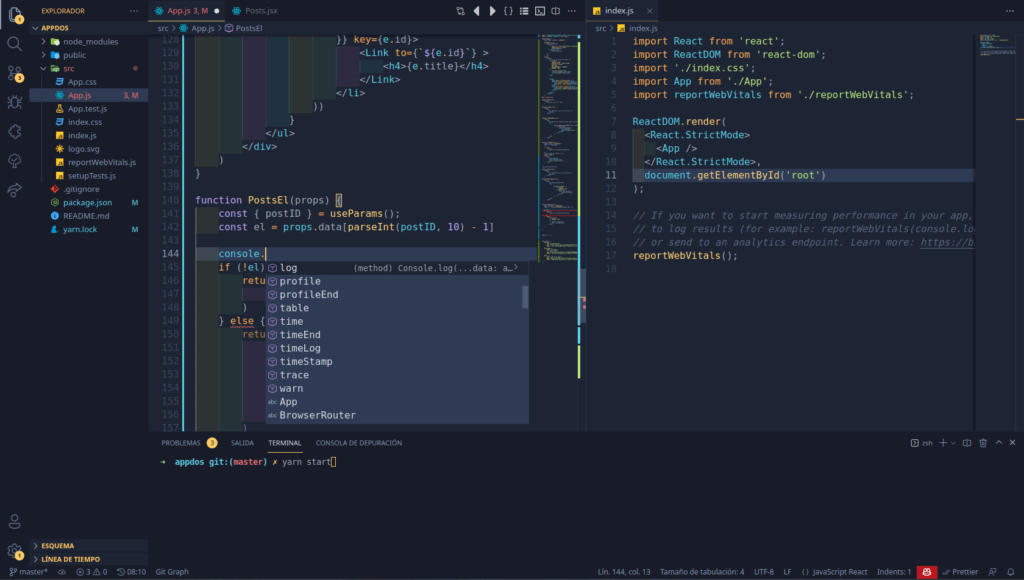
Visual Studio Code It's a streamlined code editor that supports development operations such as debugging, task execution, and version control. It aims to provide just the tools a developer needs for a rapid code creation and debugging cycle, leaving more complex workflows to more fully featured IDEs. It's free for private or commercial use.

Descubre más desde javiercachon.com
Subscribe to get the latest posts sent to your email.